// GA code (function(i,s,o,g,r,a,m){i['GoogleAnalyticsObject']=r;i[r]=i[r]||function(){ (i[r].q=i[r].q||[]).push(arguments)},i[r].l=1*new Date();a=s.createElement(o), m=s.getElementsByTagName(o)[0];a.async=1;a.data-privacy-src=g;m.parentNode.insertBefore(a,m) })(window,document,'script','https://www.google-analytics.com/analytics.js','ga'); ga('create', 'UA-109815535-1', 'auto', {'siteSpeedSampleRate': 100}); ga('set', 'forceSSL', true); ga('set', 'anonymizeIp', true); ga('send', 'pageview');

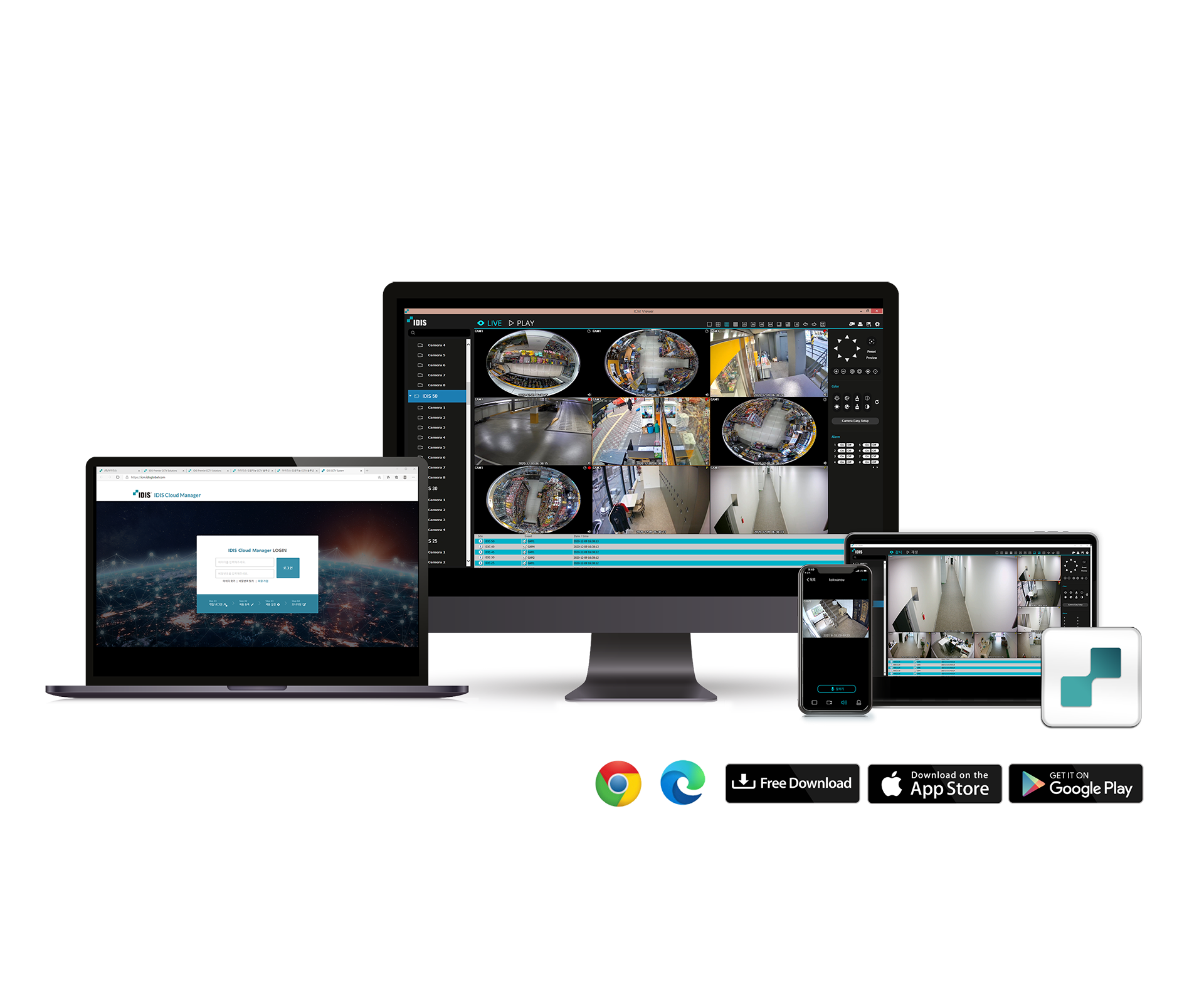
IDIS Web

Web Client

ㆍSupports 32 divided screen surveillance
ㆍControls PTZ, colour, alarm out feature
ㆍSupports 32 divided screen playback
ㆍSupports video back-up with IDIS Player, AVI, BMP
ㆍSupports storage and print-out of current image on screen

🔎    Vergelijk product

Description

CONNECTION METHOD http://IP Address: Port Number
(NVR system’s IP address and IDIS Web port number configured under Network > General (Default Value: 12088)

http://fen.idisglobal.com/FEN Name
(FEN Name: NVR name configured on the FEN server)


http://web.idisglobal.com
(will be prompted to enter NVR’s IP address or FEN name registered to the FEN server upon login)

Downloads

Software
Latest Version
Manual NL EN FR
Operating Manual
Datasheet NL EN FR
Version 6.2

Information request

    Merry Christmas

    PLEASE NOTE: We are closed between Christmas and New Year.
    We’ll be closed from December 25th through January 1st. Please place your orders promptly to ensure timely delivery. We’ll resume our work on Friday, January 2nd.