// GA code (function(i,s,o,g,r,a,m){i['GoogleAnalyticsObject']=r;i[r]=i[r]||function(){ (i[r].q=i[r].q||[]).push(arguments)},i[r].l=1*new Date();a=s.createElement(o), m=s.getElementsByTagName(o)[0];a.async=1;a.data-privacy-src=g;m.parentNode.insertBefore(a,m) })(window,document,'script','https://www.google-analytics.com/analytics.js','ga'); ga('create', 'UA-109815535-1', 'auto', {'siteSpeedSampleRate': 100}); ga('set', 'forceSSL', true); ga('set', 'anonymizeIp', true); ga('send', 'pageview');

IDIS Web

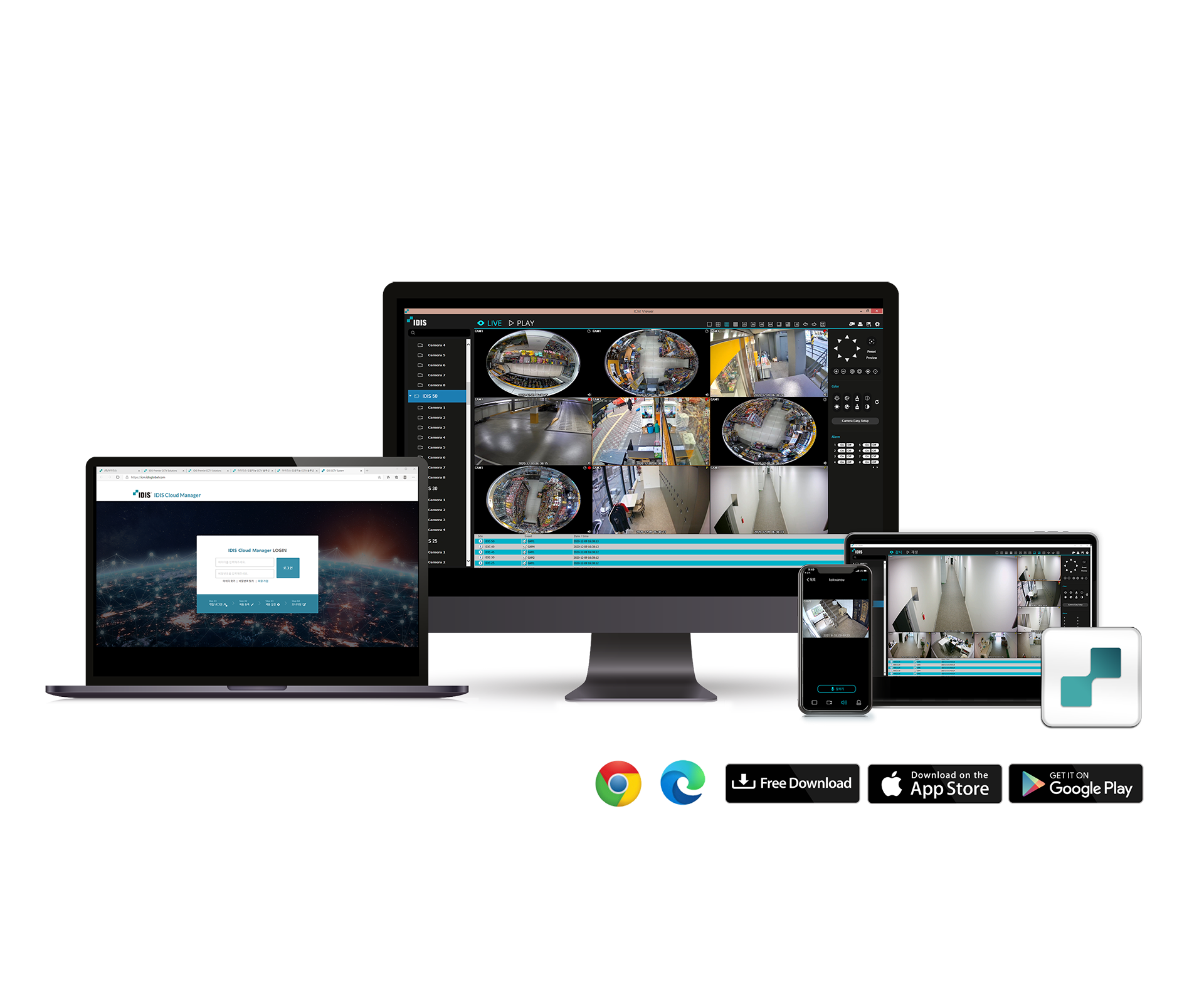
Web Client

ㆍSupports 32 divided screen surveillance
ㆍControls PTZ, colour, alarm out feature
ㆍSupports 32 divided screen playback
ㆍSupports video back-up with IDIS Player, AVI, BMP
ㆍSupports storage and print-out of current image on screen

🔎    Vergelijk product

Description

CONNECTION METHOD http://IP Address: Port Number
(NVR system’s IP address and IDIS Web port number configured under Network > General (Default Value: 12088)

http://fen.idisglobal.com/FEN Name
(FEN Name: NVR name configured on the FEN server)


http://web.idisglobal.com
(will be prompted to enter NVR’s IP address or FEN name registered to the FEN server upon login)

Downloads

Software
Latest Version
Manual NL EN FR
Operating Manual
Datasheet NL EN FR
Version 6.2

Information request

    ❕ PLEASE NOTE ❕

    Due to a company outing, from 12:00 on Tuesday 27 October we will only be reachable by phone for emergencies. This also means we can only ship orders received before 11:00. Our carrier will still collect parcels from us that Tuesday morning.
    Don’t want to wait? Then make sure your order reaches us in time.